Laptop sleeve vs folio case: which suits daily commuting?
A sleeve slips into a bag. A folio or hard case stays on the laptop. Each protects differently, so choose by how you carry the laptop every day.
By Big Discount Drops Editorial · Updated · 6 min read
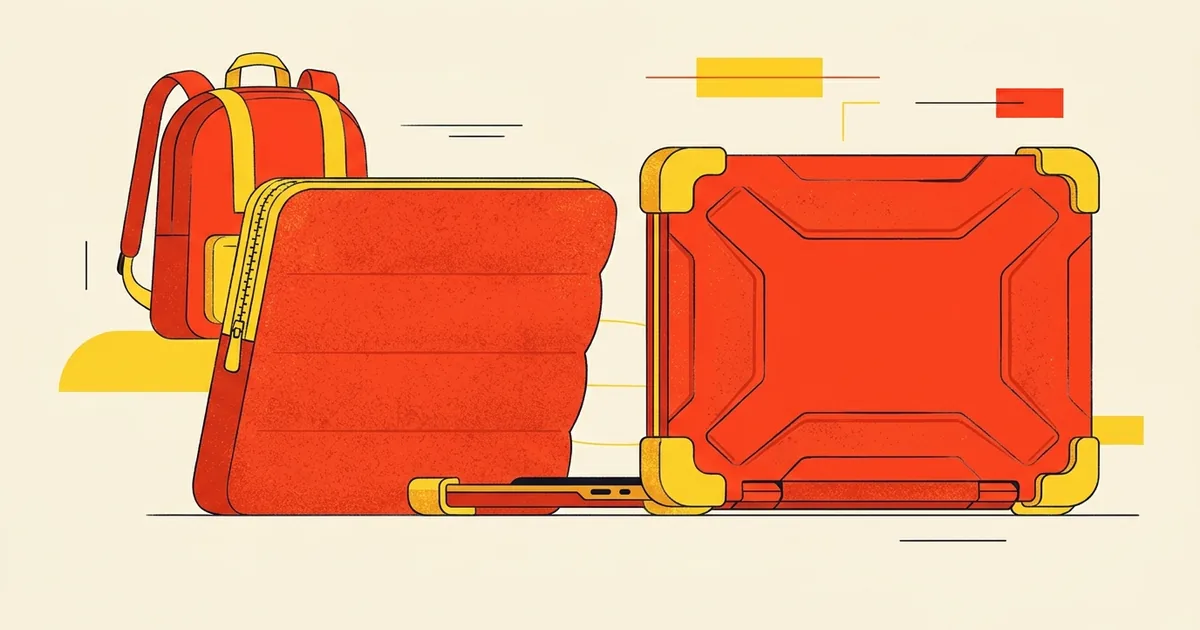
How they differ
| Sleeve | Folio or hard case | |
|---|---|---|
| How it protects | Padded pouch the laptop slides into | Shell or cover attached to the laptop |
| In use | Laptop is removed to work | Stays on while you work |
| Bulk | Slim, adds little to a bag | Adds thickness and weight to the laptop |
| Protects against | Bumps and scratches inside a bag | Scratches and corner knocks, also at the desk |
| Best for | Commuting with a backpack or tote | Heavy daily handling and shared desks |
Protection: what to check
- Padding thickness and corners: a soft sleeve cushions bumps; it will not stop a hard drop on its own.
- Water resistance: some listings say water resistant or waterproof. Treat it as a spill cover, not a rain cover.
- Zipper path: it should not drag across the laptop's lid.
- Inner lining: soft lining avoids scratches.
- Fit: a snug fit moves less in a bag. Check the listing for the inside dimensions.
Portability and commuting
- Sleeve in a backpack: the lightest option, and you can swap it between bags.
- Sleeve with handle or strap: carries on its own, so you can skip a bag on short trips.
- Folio or hard case: protects but adds to the thickness, so check that your bag's laptop pocket still fits it.
- Accessory pocket: useful for a charger, but a bulky pocket can stress the zipper.
If you also carry a tablet, see our guide to tablet case features for the same checks on cutouts and fit.
Which should you choose?
- Measure your laptop or read its exact size, then match a listing that names it.
- Commute with a backpack and a laptop pocket: a padded sleeve is usually enough.
- Work at shared desks, cafés or on the move: consider a case that stays on, or use both.
- Check the seller and return details before you buy. See Sold by Walmart vs Marketplace seller.
Frequently asked questions
- Is a laptop sleeve enough to protect against drops?
- A padded sleeve protects against bumps and scratches inside a bag, but it does not guarantee protection from a hard drop. For high-risk handling, add a case or a padded bag.
- Can I use a 15.6-inch sleeve for a 15-inch laptop?
- Often yes, if the listing's size range includes it, but check the inside dimensions. A loose fit lets the laptop shift.
- Do folio laptop cases make a laptop run hotter?
- A case that blocks vents can trap heat. Check that it leaves the vents open.
- Is “waterproof” on a sleeve listing reliable?
- We cannot verify that from a listing. Treat it as protection against a splash, and keep the laptop out of heavy rain.
- Where can I see Walmart electronics deals?
- On our Walmart electronics deals page. We are independent and not affiliated with Walmart.
This guide is general shopping advice, not a live offer. Big Discount Drops is an independent deals site. It is not affiliated with, endorsed by or sponsored by Walmart Inc.